How to Deposit Money on RK Phantom Using GCash: First-Timer's Guide
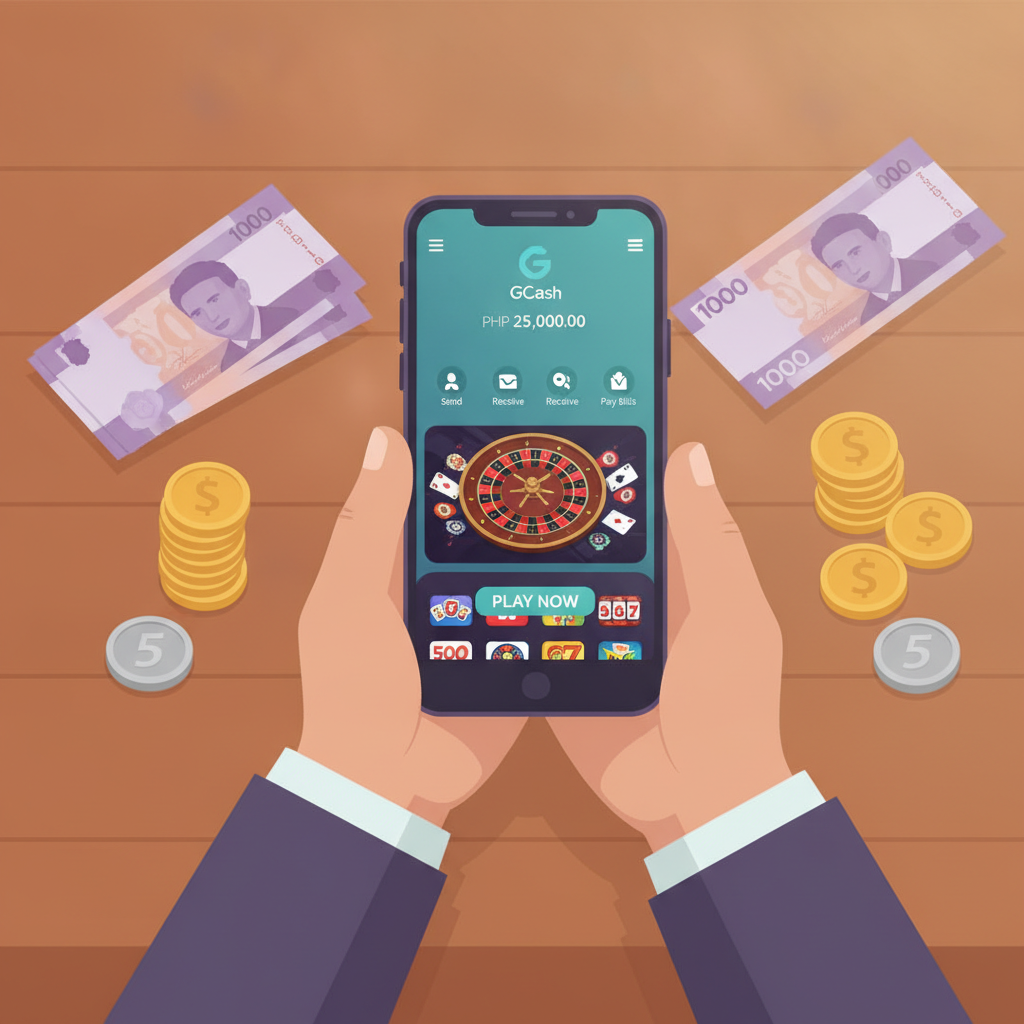
Why GCash is Popular for Online Casino Deposits in the Philippines
GCash has become the go-to option for Filipino players funding their RK Phantom accounts. Most Filipinos already use GCash for everyday purchases, so using the same wallet for casino deposits feels natural and familiar.
The main advantages are speed and convenience. You don't need to visit a bank or wait days for a transfer to clear. GCash deposits typically arrive in minutes, letting you start playing slots, live dealer games, or placing sports bets on PBA and NBA matches right away.
Another reason players choose GCash is the low barrier to entry. RK Phantom accepts deposits as small as PHP 100, which matches how most Filipino players budget their entertainment spending. You can load your GCash wallet at any 7-Eleven, Ministop, or SM mall, then transfer that amount directly to your RK Phantom balance from your phone.
Security is also a factor. GCash uses PIN and OTP verification, so you're not entering your bank details directly on a casino site. You handle the payment inside the GCash app, which many players already trust for bills and online shopping.
For mobile-first users on Android—the majority of RK Phantom's audience—GCash deposits require no computer, no physical card, and no trip to an ATM. Everything happens on your phone in a few taps.
Step-by-Step: Linking Your GCash to RK Phantom
RK Phantom doesn't require you to formally "link" GCash the way some apps do. Instead, each time you deposit, you'll select GCash as your payment method and complete the transfer through the GCash app or via a payment gateway.
Here's how to prepare before your first deposit:
1. Make sure you have a verified GCash account.
If your GCash is still unverified, you won't be able to transfer funds to RK Phantom. Visit any GCash partner outlet or complete the in-app verification by uploading a valid ID. Verification usually takes a few hours to one business day.
2. Load your GCash wallet.
Cash-in through 7-Eleven, bank transfer, or any GCash partner. Make sure you have at least PHP 100 plus a small buffer in case of cash-in fees. RK Phantom's minimum deposit is PHP 100.
3. Log in to your RK Phantom account.
If you haven't registered yet, you'll need to complete the RK Phantom register process first. The signup form asks for your mobile number, a password, and basic details. Registration is free and takes less than two minutes.
4. Navigate to the deposit or cashier section.
Once logged in, look for a button labelled "Deposit," "Cashier," or "Add Funds." This is usually found in the top menu or account dashboard on both the RK Phantom app and mobile website.
You're now ready to make your first GCash deposit.
How to Make Your First Deposit (Minimum PHP 100)
Follow these steps to deposit money from GCash into your RK Phantom account:
Step 1: Open the deposit page.
After logging in, tap "Deposit" or "Cashier." You'll see a list of available payment methods.
Step 2: Select GCash.
Choose GCash from the options. Other methods may include Maya, bank transfer via InstaPay or PESONet, but for this guide we're focusing on GCash.
Step 3: Enter your deposit amount.
Type in how much you want to deposit. The minimum is PHP 100. Most first-time players deposit between PHP 100 and PHP 500 to test the platform and try a few games or bets. If you're depositing to claim a welcome bonus, check the RK Phantom bonus terms—some bonuses require a minimum deposit higher than PHP 100.
Step 4: Confirm the transaction.
RK Phantom will generate a payment reference or redirect you to a payment gateway. You may see a QR code, a GCash merchant link, or instructions to open your GCash app.
Step 5: Complete payment in your GCash app.
Open the GCash app on your phone. If you scanned a QR code, confirm the merchant name and amount. If you received a link, it should open the GCash payment screen automatically. Enter your GCash MPIN to authorize the transfer.
Step 6: Wait for confirmation.
Once you've approved the payment in GCash, you'll see a confirmation screen. Keep this reference number handy. In most cases, the funds will appear in your RK Phantom account within one to five minutes.
Step 7: Check your RK Phantom balance.
Go back to the RK Phantom app or mobile site and refresh your account balance. The deposited amount should now be visible, and you can start playing slots, jackpot games, live dealer tables, or place bets on sports like volleyball and basketball.
If you plan to claim a RK Phantom bonus, check the promotions page to see if you need to opt-in or enter a bonus code before depositing.
How Long Deposits Take and What to Do If It's Delayed
Under normal conditions, GCash deposits on RK Phantom are processed almost instantly. Most players see their balance updated within one to five minutes.
However, delays can happen. Here are the common causes and what to do:
Network or server congestion
During peak hours—evenings, weekends, or major sporting events like PBA playoffs—payment gateways can slow down. If your deposit hasn't appeared after five minutes, wait another 10 to 15 minutes before taking action.
Incorrect payment details
Double-check that you entered the correct deposit amount and followed the on-screen instructions. If you accidentally sent money to the wrong reference number or merchant, contact RK Phantom customer support immediately with your GCash transaction receipt.
GCash maintenance windows
GCash occasionally undergoes scheduled maintenance, usually late at night or early morning. During these times, transfers may fail or be delayed. Check the GCash app for any service advisories before depositing.
Account verification issues
If your RK Phantom account isn't fully verified, some deposits may be held for manual review. Make sure you've completed any KYC (Know Your Customer) requirements, such as uploading a valid ID or confirming your mobile number.
What to do if your deposit is delayed beyond 30 minutes:
- Take a screenshot of your GCash transaction receipt. This shows the date, time, amount, and reference number.
- Contact RK Phantom customer support. Use live chat, email, or the support number listed on the site. Provide your account username, the deposit amount, the GCash reference number, and the screenshot.
- Do not make a second deposit while the first is still pending. Wait for support to resolve the issue. Making duplicate deposits can complicate tracking and refunds.
In the rare event that your money was deducted from GCash but never credited to RK Phantom, customer support will investigate using your transaction reference. Most issues are resolved within a few hours to one business day. Keep all receipts and confirmation messages until the matter is settled.
Tips for Smooth GCash Deposits on RK Phantom
- Use a stable internet connection. Mobile data or Wi-Fi interruptions mid-transaction can cause errors.
- Keep your GCash app updated. Outdated versions sometimes fail to load payment gateways correctly.
- Deposit during off-peak hours if you want the fastest processing—early afternoon on weekdays is usually quiet.
- Check for RK Phantom bonus offers before depositing. Some promotions require you to opt-in or use a specific deposit method.
- Set a budget. Decide how much you're comfortable depositing in a week or month, and stick to it. Responsible gambling starts with planning your spending.
21+ Only – Gamble Responsibly
RK Phantom is strictly for players aged 21 and above. Online gambling should be treated as entertainment, not a way to make money.
Set a deposit limit before you start, and never chase losses. If you find yourself depositing more than you planned or feeling anxious about your betting, take a break. Consider using GCash's spending tracker or setting a monthly budget for entertainment to help you stay in control.
For support with problem gambling, reach out to local resources or speak to someone you trust. Play responsibly, know your limits, and keep gaming fun.
Summary: Depositing with GCash on RK Phantom is quick and beginner-friendly. Load your verified GCash wallet with at least PHP 100, log in to RK Phantom, select GCash as your payment method, and confirm the transfer in your GCash app. Deposits usually arrive in minutes. If delayed, wait 15–30 minutes, then contact support with your transaction receipt. Always play responsibly and only if you're 21 or older.